 glacier
The TV is yours again.
Glacier brings your Jellyfin server into the living room. Grab the remote and press a few keys.
Free for Android TV, Google TV and Fire TVTry it
Pick up the remote and press a key. The TV follows.
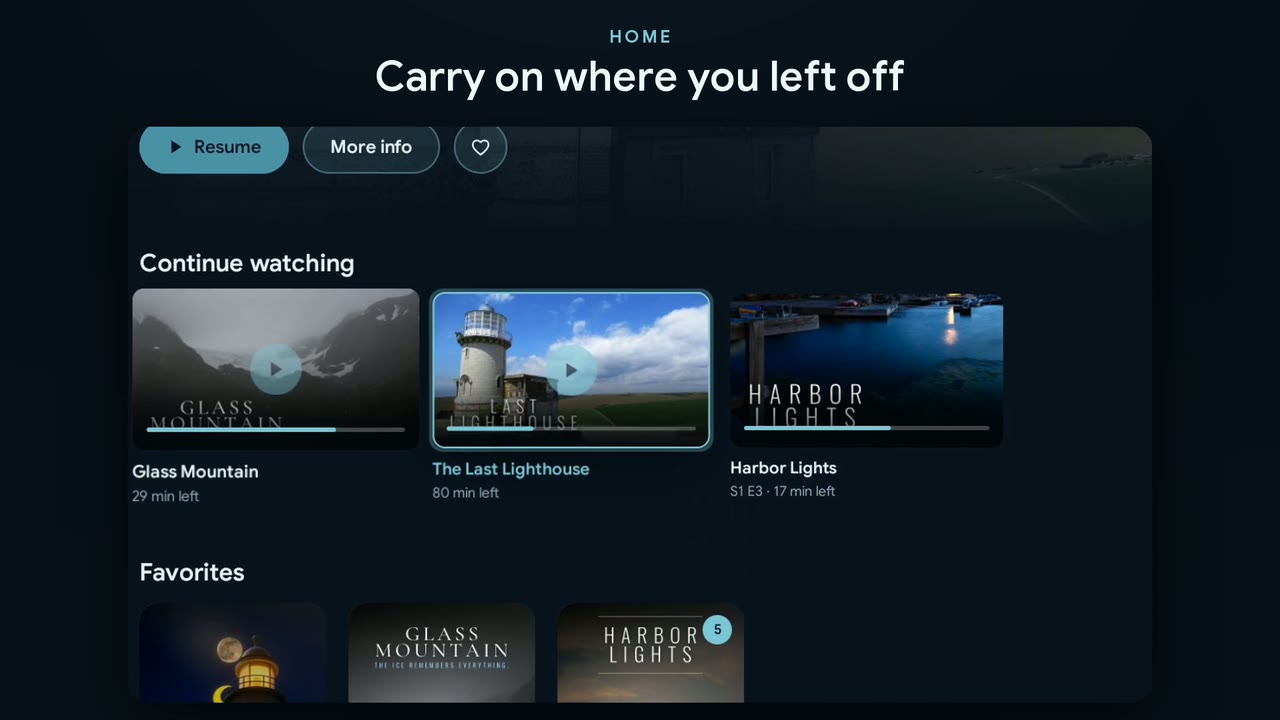
Press the keys.
Arrow keys work too.
What Glacier does differently
Three things in the living room Glacier takes special care of.
For the system under the TV
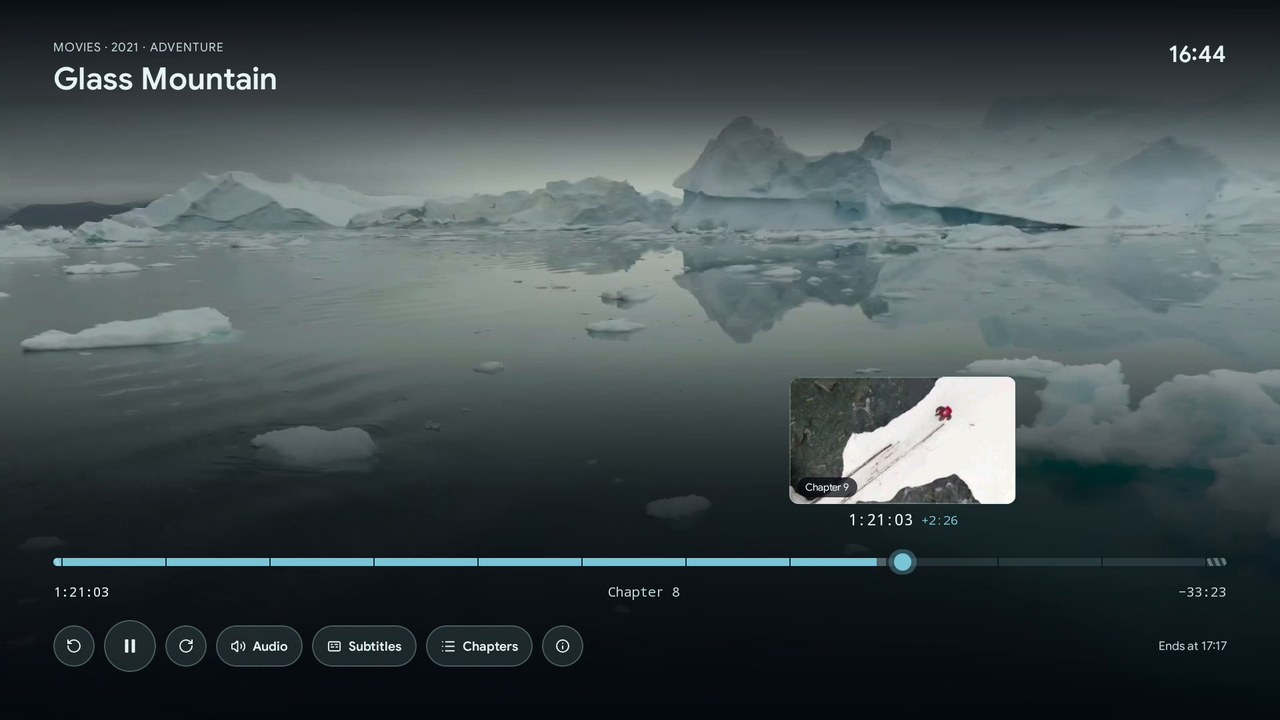
TrueHD and DTS-HD reach your receiver exactly as they are on the disc, even where Android only passes the DTS core or gives up on TrueHD.
And if nothing gets through: E-AC-3, so surround stays.
For the TV itself
Dolby Vision even from UHD Blu-rays with profile 7, converted on the device. The TV switches to the film's frame rate, and Glacier first checks with real test files what it can play.
Settings › System › Check playback
For everyone on the sofa
Everyone gets a profile with their own picture, colour and progress. The kids profile only shows what suits their age, and the PIN goes in with the D-pad. New TV? The settings come along.
One cushion per profile.
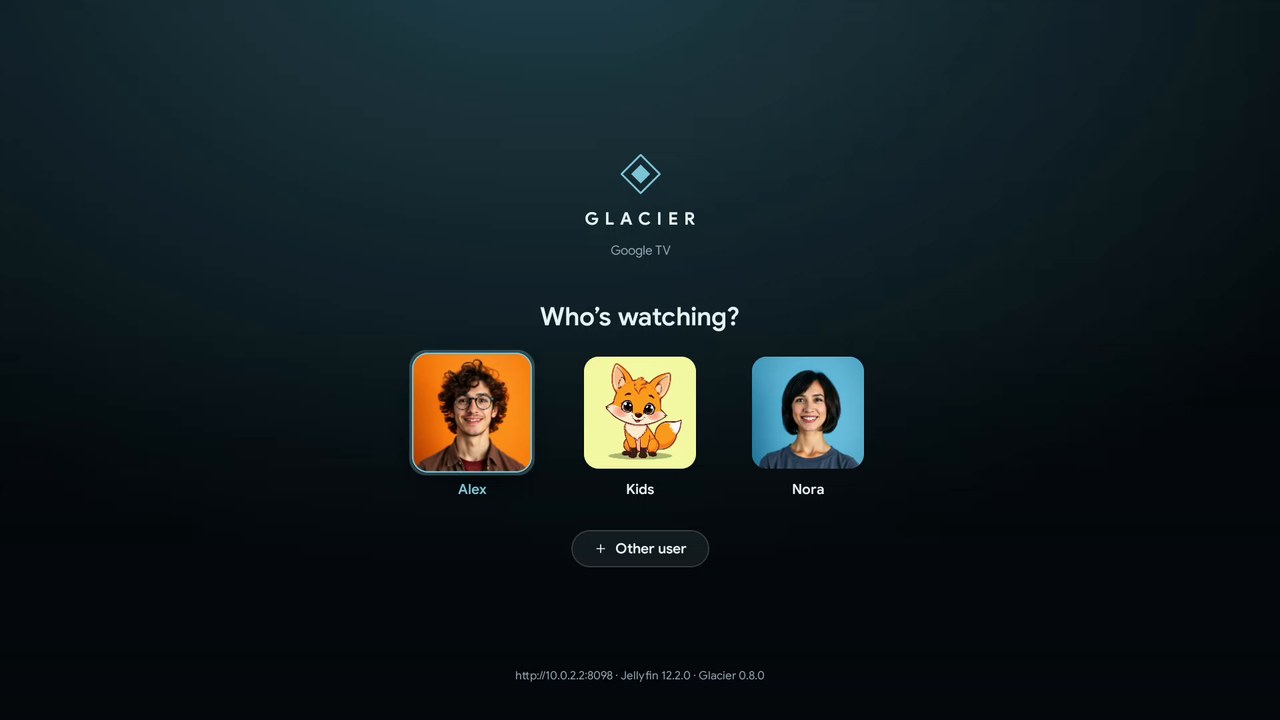
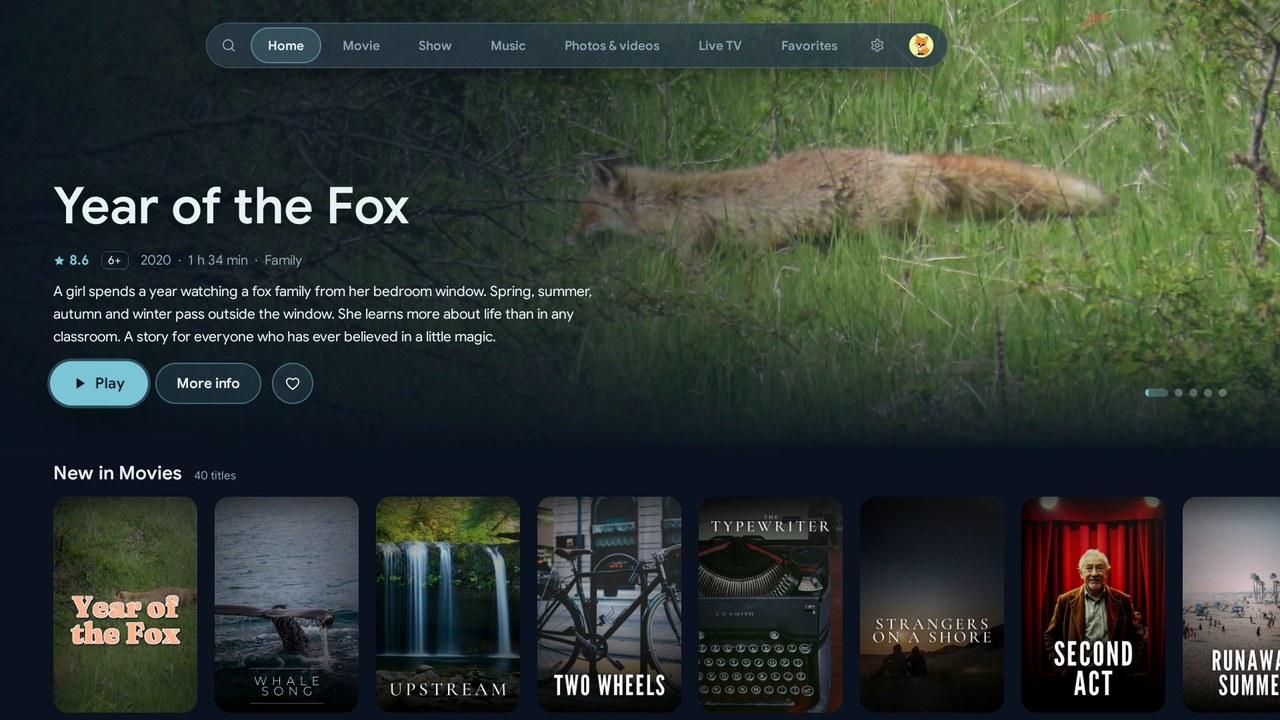
8 pm, everyone on the sofa.
Who's watching? The youngest picks the fox and only sees what's right for their age. Later you get your series back, exactly where you fell asleep last night.
The shelf next to it
Music, photos and TV in the same app, with the same remote.
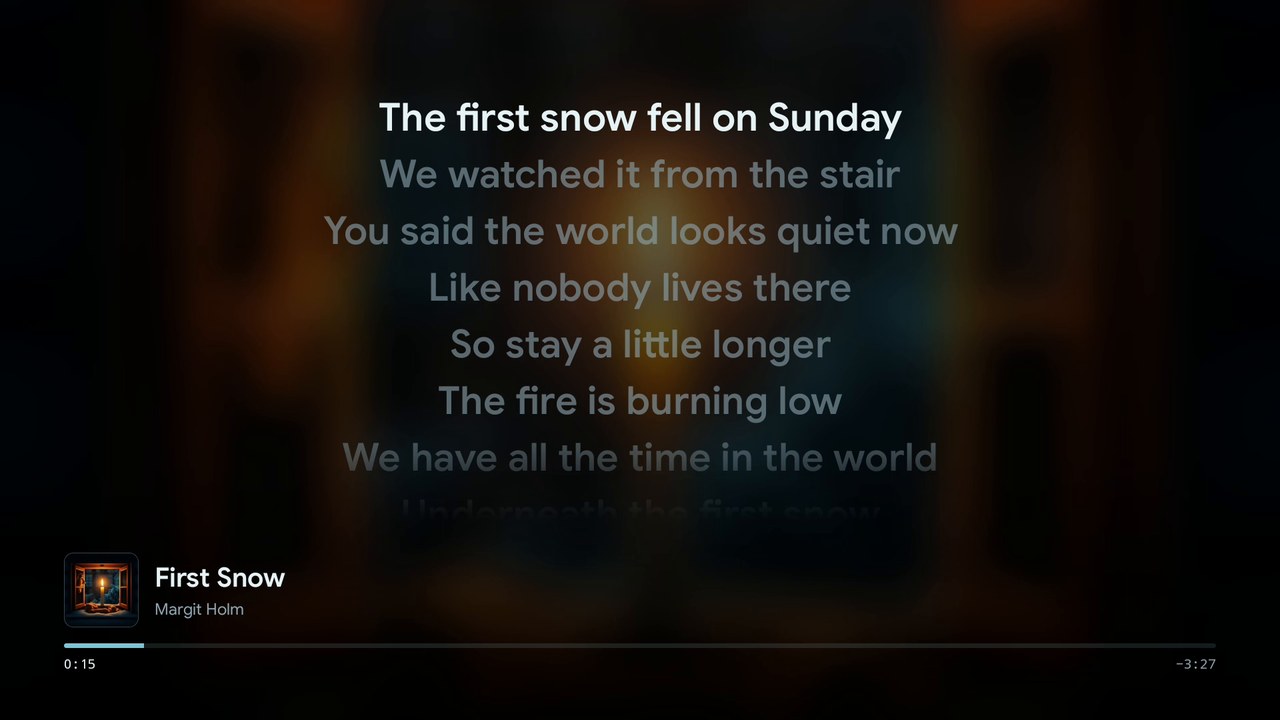
Music
Lyrics large and in time, music videos right in the queue. The mini player stays while you browse.
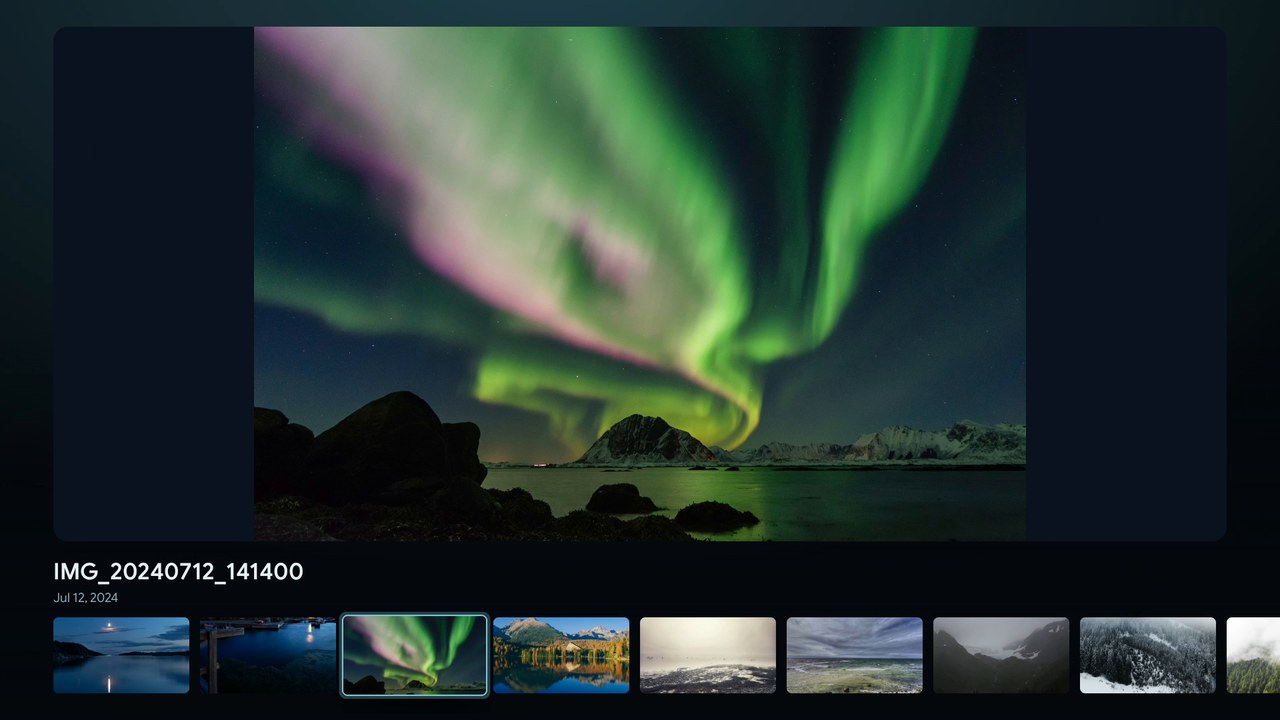
Photos & home videos
By folder, as a gallery or full screen. Press OK, and last summer's slideshow starts.
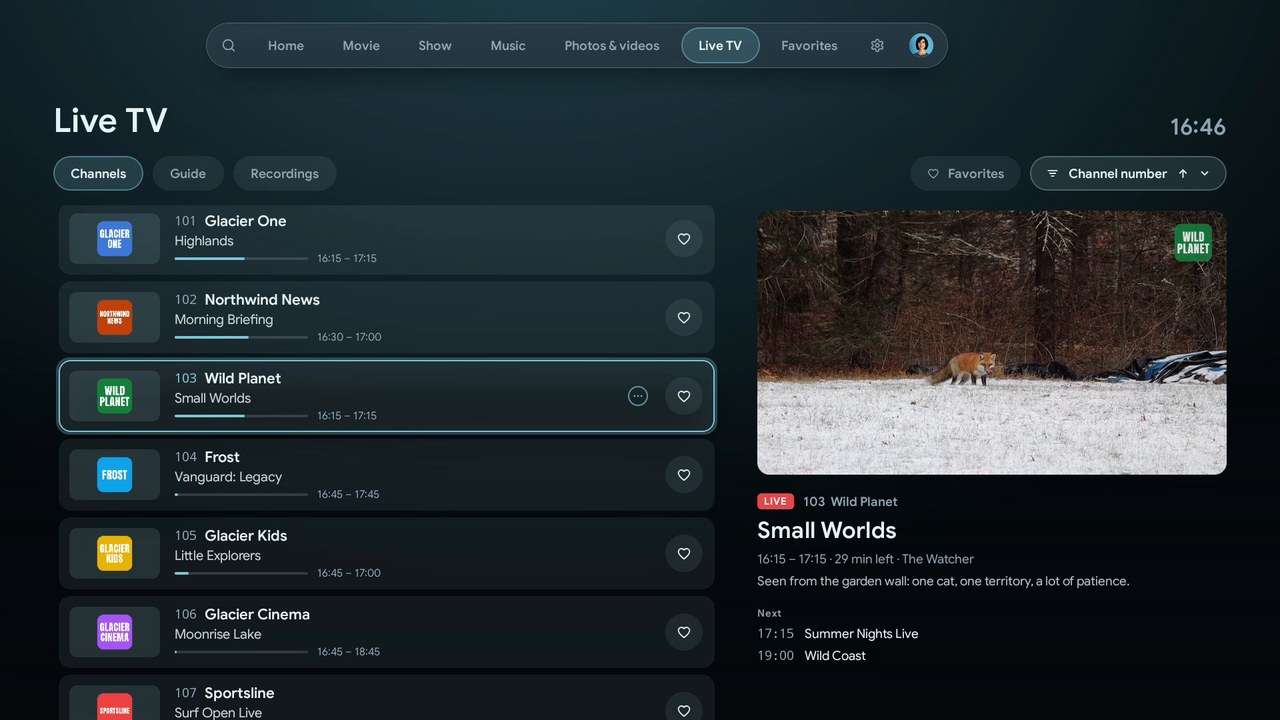
Live TV
Pick a channel, the preview is already running. With a guide, recordings, pause and rewind.
The small print on the pinboard
The details that make a shared TV app easy to live with.
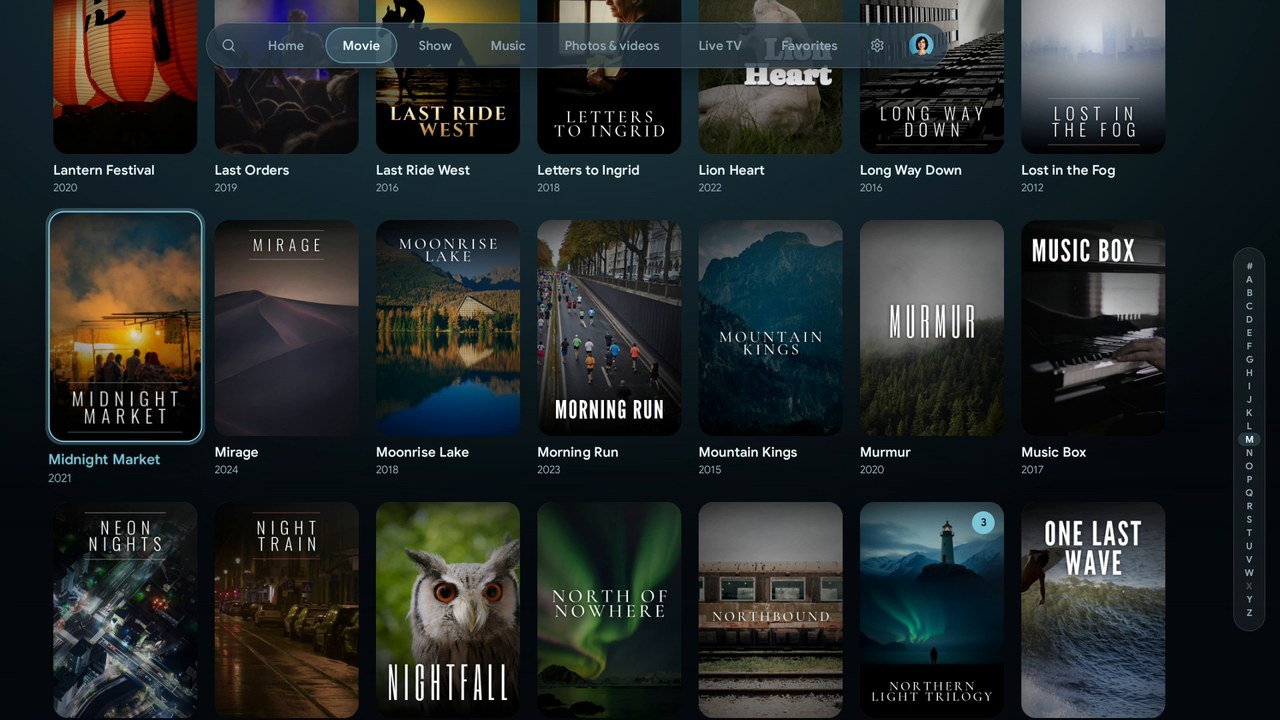
Big libraries open fast
Find & request
Search also finds films and shows that aren't on your server yet. Request them through Seerr right from the TV, with the Jellyfin Enhanced plugin.
Versions of a title
2160p and 1080p, or the director's cut: Glacier picks the right one for your TV.
On the home screen
Continue watching and three optional channels on the Android TV home screen. Not on Fire TV.
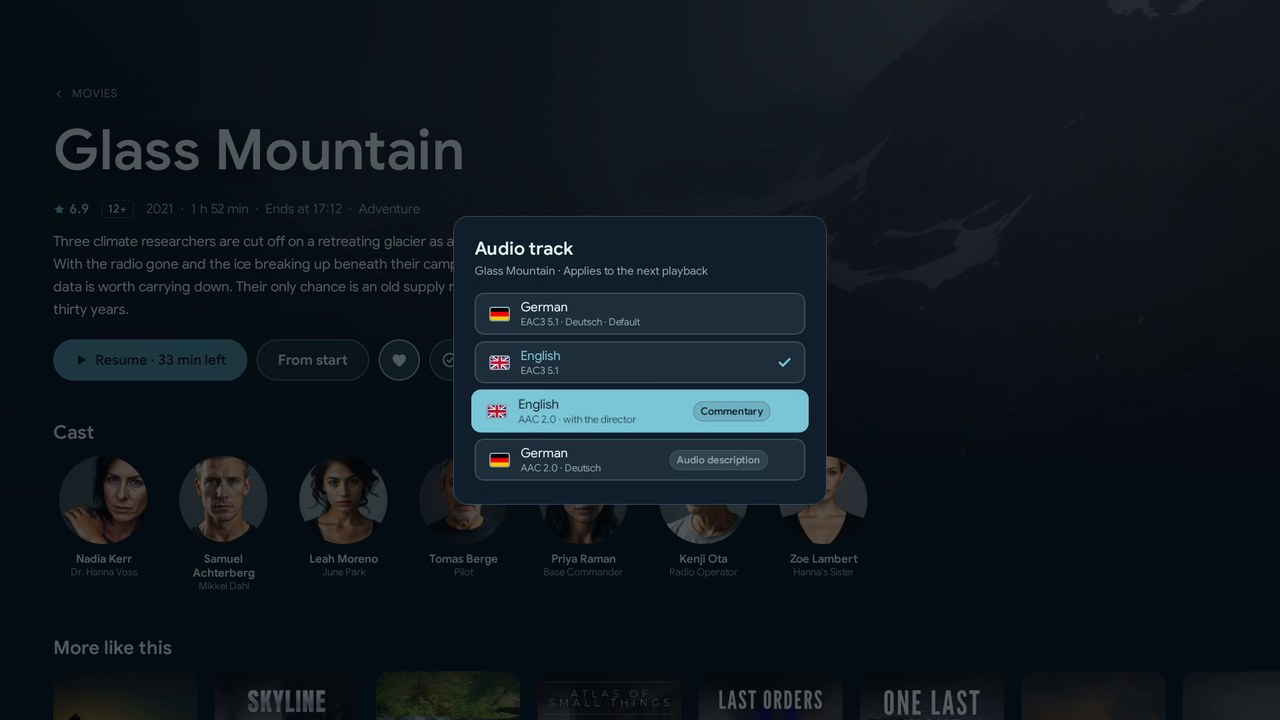
Every track clearly labelled
Stays up to date
From a store, Glacier updates like any app. From GitHub, the built-in updater fetches Stable or Beta builds.
Two minutes in the living room
From the home screen to Live TV. Turn the sound on.
Music: “Inspired” by Kevin MacLeod (incompetech.com), licensed under CC BY 4.0.
Downloader code
2423112
keep this note!
On your TV in two minutes
- Install the free Downloader app from your TV's app store.
- Open it, type the code and allow the install.
- Done. From now on, Glacier keeps itself up to date.
Free, with no account and no ads, for Android 9 or newer. Prefer a store?
Help bring Glacier to Google Play
Google publishes apps from new personal developer accounts only after a closed test with at least 12 testers over 14 days. If you have an Android TV or Google TV, you can be one of them.
- Join the tester group with the Google account you use on your TV.
- Opt in to the test with the same account.
- Open the Play Store on your TV and install Glacier. It can take a few minutes until it shows up.